How to Advertise on ChatGPT: A Step-by-Step Guide
Updated September 2, 2026. The first version of this article, from August 2026, was a guide to getting your business ready for a channel we could not yet buy. The channel is open now, so the text has become a launch guide. The preparation section stays, because it still decides whether your first campaign will mean anything.
Ads in ChatGPT are available to advertisers now. The question “how do I advertise there” has a concrete answer, and it is one where most of the money gets lost through doing things in the wrong order. Below is the order we use for ourselves and for clients: verification first, then measurement, then ads, budget last.
Step 1: start account verification before you do anything else
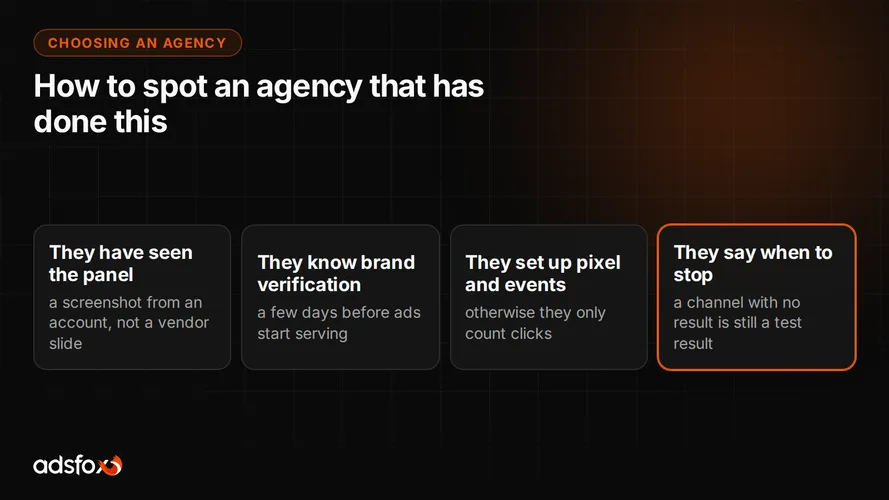
An ad account does not start serving the moment you create it. OpenAI runs a brand review, and while it is in progress the panel explicitly warns that your ads may not be showing yet. It takes a few days.
This is the most common cause of early disappointment and the easiest one to avoid. A company sets up a campaign on Monday, wonders on Wednesday why there are no impressions, and on Friday turns the channel off as “not working.” It simply had not started yet.
Start verification on day one and use those few days for everything below. Your business details need to match public records the first time, because the appeal path is thinner here than what you may know from business verification on Facebook.
Step 2: install the OpenAI pixel and set a conversion event
This is the part that decides everything, and it barely appears in most write-ups about the channel.
OpenAI provides its own tracking code that shows what happens on your site after someone clicks an ad. You install it one of two ways: directly in the site code or through Google Tag Manager. The second is easier if you already run GTM, because nobody has to touch page templates and all your tracking codes stay in one place.
On top of that comes the conversion event, chosen at the campaign level. The panel describes it plainly as the action you want people to take on your site after seeing the ad, for example creating a lead. That event tells the algorithm what to look for.
The difference is fundamental. A campaign without a conversion event optimizes for clicks, meaning it looks for people who click. A campaign with an event looks for people who submit an inquiry. Those are two different groups, and at this channel’s price level the difference gets expensive fast.
For landing page URLs, set up a template with campaign, ad group and ad parameters from the start. Without it, all ChatGPT traffic blends into a single line in your analytics and you cannot tell which campaign brought it.
Step 3: check whether you can afford a meaningful test
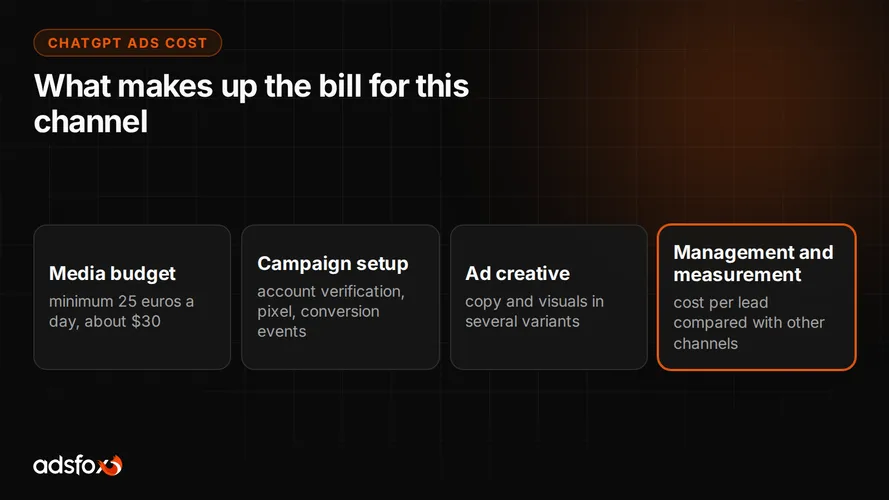
The minimum daily campaign budget in the accounts we run is 25 euros, about $30 a day. Per month that is roughly $900, and that is the real entry price for this channel.
Multiply that floor by the time you need to reach a conclusion. A campaign needs several weeks before you can say anything, so you are looking at a test budget in the range of $1,500 to $2,000. If that is your entire advertising budget, this is not the moment for this channel: the money will do more in campaigns that already deliver. The full math is in our article on how much ChatGPT ads cost.
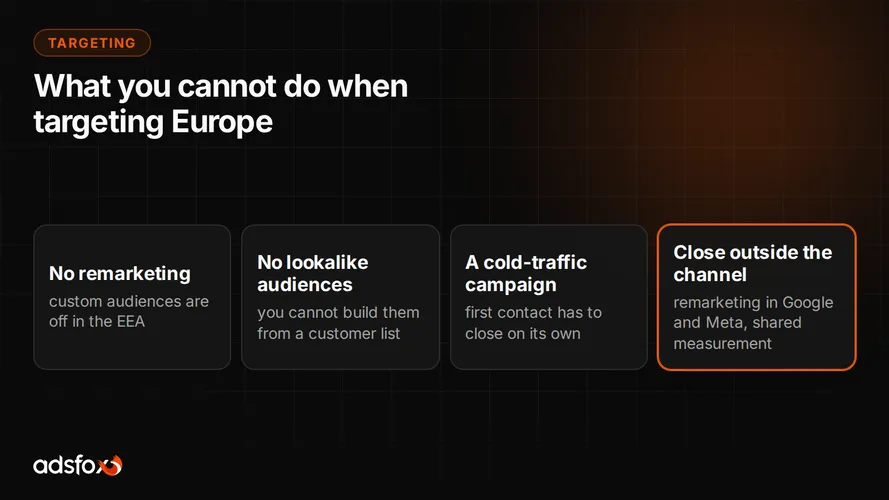
There is one more constraint to plan around if you sell into Europe. In campaigns targeting the European Economic Area and Switzerland, custom audiences are not supported. You cannot build remarketing or lookalike audiences there, so a European campaign has to work on cold traffic from day one. What that changes in the plan is in our article on ChatGPT ads targeting.
Step 4: check whether your measurement reaches all the way to the sale
This step was in the previous version of this article and it stays, because a new channel changes nothing here. It only raises the price of neglect.
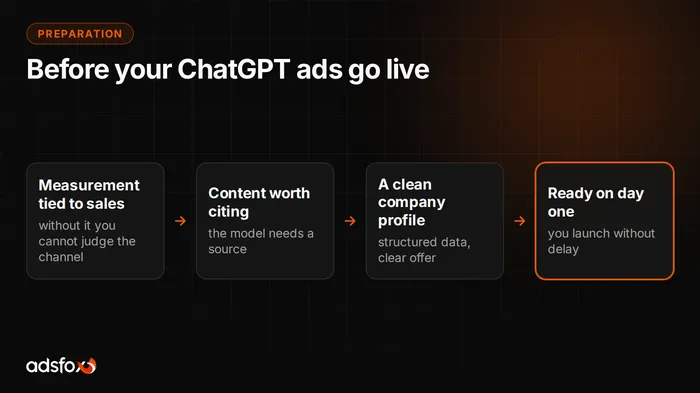
Most companies measure on-site events: a submitted form, a clicked phone number. That is not enough to judge a new channel, because a submitted form does not tell you whether the customer bought. Measurement tied to sales means every lead has a follow-up history: did the rep reach them, was there a quote, was there a sale and for how much.
Only then does “is ChatGPT delivering” get a numeric answer instead of an opinion. And only then can you compare this channel with Google Ads and Facebook, because you compare cost per customer, not cost per click.
There is a technical layer on top. Some conversions get lost to browser restrictions, so ad platforms optimize on an incomplete picture. Server-side tracking fills those gaps and sends sales data back to the ad accounts. For clients we set it up once, across all channels, so the numbers can sit in one table.
Step 5: prepare the things whose absence stops a launch
The list is short and boring, which is why it usually gets done in a rush when the budget is already waiting.
A landing page for the specific service, not the home page. An offer written so it can be understood without a sales call. Ad copy in several variants for testing. And a defined lead handling path: who calls, how fast, and what happens when the customer does not pick up.
The last item is often more important than everything else. A new channel brings colder contacts that need a faster response. A company that calls back the next day will lose them no matter how well the campaign is set up.
Step 6: decide in advance when you will decide
Before you launch, write down two numbers: how much you can pay for an inquiry and after how long you will make the call. Without them, a test never ends. It just slowly turns into a fixed expense.
Our rule of work in every channel is the same: measure, optimize, measure again, draw a conclusion and move the budget to where the business result is largest. The last part is the hardest, because it means admitting that the channel you entered with enthusiasm performs worse than a boring search campaign. With new channels that happens often, and it is not a failure. It is the result of a test.
What we still do not know
We have no data of our own on ChatGPT ad performance, and we will not give you a cost per lead for this channel, because we have not seen one measured reliably anywhere. Everything you read online today about rates and conversion in this channel is either carried over from a different context or made up.
We do have reference points for the channels we have run for years. Across 20 of our European campaigns in 11 industries, cost per lead ranged from about $2 to $11 depending on the industry. That spread says more than an average, and those are the numbers you will compare the ChatGPT result against.
Do not forget the second route, the free one
Advertising is not the only way to appear in an assistant’s answer. The second route is getting the model to mention your company on its own, with no cost per impression. It is called generative engine optimization, GEO, and it has one big advantage: the effect stays after you stop spending.
Order matters. A company the models already cite enters advertising with a head start, because it is recognized as an entity and its content is in order. There is no $30-a-day floor either, so at a smaller budget it is the more sensible first step. The service is described on our AI SEO agency page. How it works is in our article on how AI models choose their sources, and the hands-on side in our guide to optimizing a website for ChatGPT and Perplexity.
What to do this week
Start account verification, because it takes a few days anyway and costs nothing. In the meantime check one thing: can you say what a customer costs you, not just a lead? If not, start there, because without that number the result from a new channel will not tell you anything either way.
If you want to go through it with someone who sets up this kind of measurement every day, see how we run ChatGPT ads campaigns and book a free consultation.