How to Run Facebook Ads Step by Step: Your First Campaign
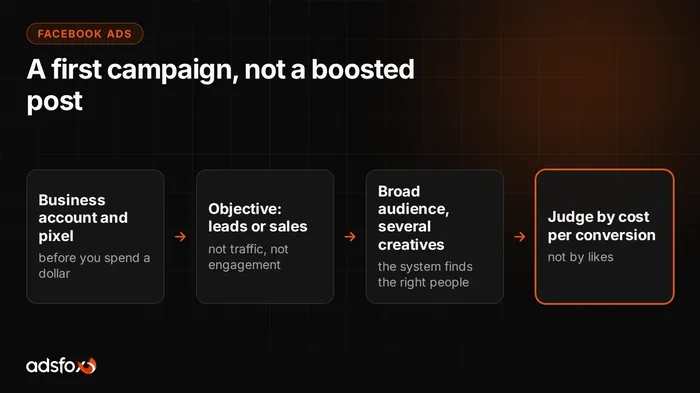
Your first Facebook ad gets built in Ads Manager, not with the “Boost Post” button, and that one decision separates campaigns that sell from campaigns that collect likes. The full path is five steps: business account, pixel with events, campaign objective, audience and creative. This guide walks through them in order and shows where beginners burn budget most often.
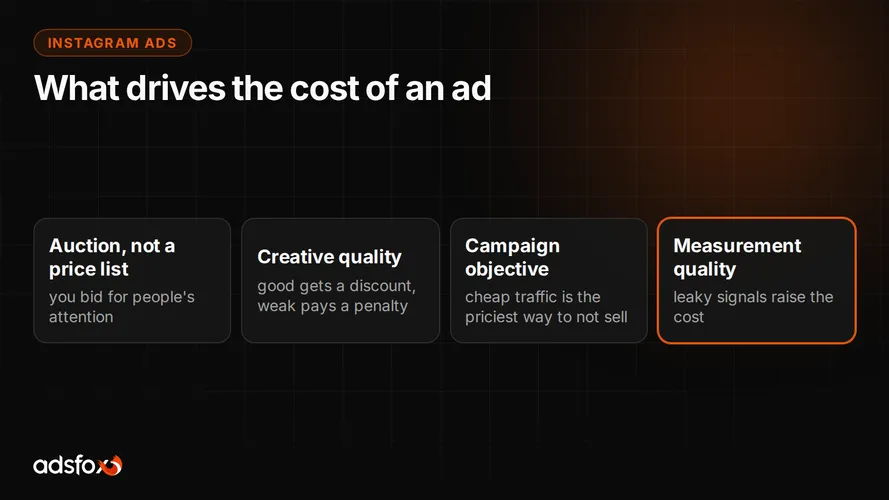
One basic before you start: Facebook and Instagram are one Meta ad system. You set the campaign up once and can run it in both apps, so everything below also applies to Instagram ads.
Step 1: a business account instead of personal shortcuts
Start in Business Manager (Meta Business Suite) and create an ad account that belongs to the business. This avoids the classic problem: an ad account tied to an employee’s personal profile that one day leaves with them, together with access and history. Add the company’s payment method and assign access by role, not by a password passed around on a messaging app.
While you are at it, prepare what verification may require: a Facebook business Page connected to Business Manager and admin permissions. We gathered the documents you may need for business verification in a separate guide.
Step 2: pixel and events before you spend a dollar
The Meta pixel is code on your website that tells the system what people do there. Without it the campaign is blind: it does not know who submitted a form or who bought, so it has nothing to learn from.
Install the pixel through Google Tag Manager and define the events that are money to you: form submitted, chat started, purchase, phone click. “Visited the site” alone is not enough, because the system will look for people who resemble visitors, and you want people who resemble buyers. A growing share of traffic blocks browser-side measurement, so with serious budgets you add server-side tracking to close the data gap.
Step 3: campaign objective, a decision more important than budget
Ads Manager will ask for an objective, and this is where most of the result is decided. The system optimizes for exactly what you choose:
- Engagement brings likes and comments from people who like to like things.
- Traffic brings clicks from people who click but rarely buy.
- Leads or Sales bring pixel events: forms, messages, purchases.
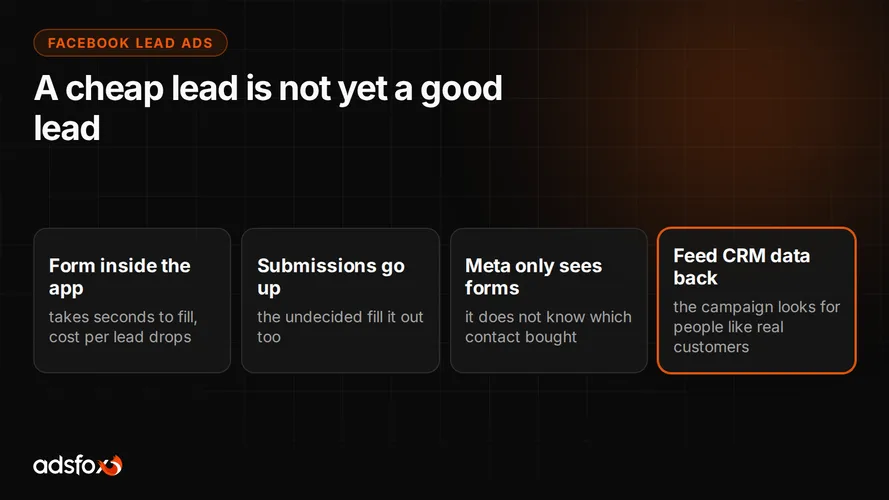
If you run a service business, the right choice is usually the Leads objective optimized for a form event, or the Lead Ads format with an in-app form, which we described in our post on Facebook Lead Ads. An online store chooses Sales optimized for purchases. Picking “Traffic” because “let them get to know the brand first” is the most expensive beginner myth.
Step 4: an audience without overengineering
Intuition says narrow it down: age, interests, behaviors, all at once. Practice shows the opposite: the system learns from conversion signals, and with good measurement it finds the right people faster than you can describe them with sliders. To start, a sensible location, a wide age range and maybe one key interest is enough. A micro-audience, on the other hand, chokes the campaign: little data, high cost, slow learning.
The exception: exclusions. Exclude existing customers where it makes sense, and people who have already converted, so you do not pay to reach the already convinced.
Step 5: creative, where the auction is won
In the feed your ad competes with friends’ posts, not with other ads. It has a fraction of a second to stop the thumb. Three rules that consistently work:
- Specifics over slogans. “We pressure wash your house in one day” beats “Quality and experience.”
- Several variants at once. Two or three images and a video to start; the system promotes the winner on its own, and you learn what works on your audience.
- Match with the landing page. The promise from the ad has to be on the landing page above the fold, otherwise you pay for clicks that end in a bounce.
The first weeks: what not to do
Do not judge the campaign after three days, because the system is still collecting signals. Do not change everything at once, or you will not know what worked. Do not starve the budget across five campaigns at the same time, because none of them will gather data. And do not look at likes: look at cost per conversion and its quality.
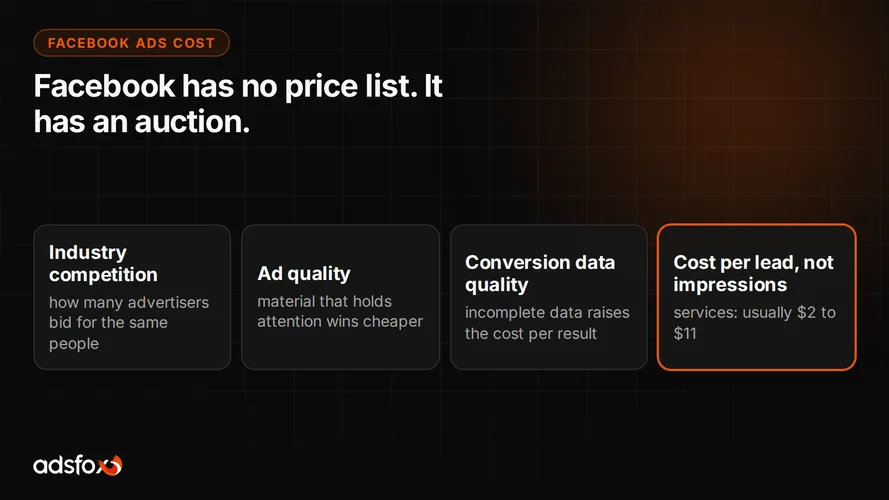
We collected reference points for cost per lead in our benchmark of 20 campaigns across 11 industries: $2 to $11 depending on the industry. If your results are far off, check measurement and the campaign objective first, not the creative.
When to hand it to a specialist?
Honestly: a one-person “army” at a small business can handle the first simple campaign with this guide. The line runs at scale: testing many creatives, retargeting, optimizing for lead quality with CRM data, holding results steady as the budget grows. That is where hours and mistakes start costing more than management.
We have been doing this since 2018 for more than 350 clients across 20+ industries, as a Badged Meta Business Partner. See how we manage Facebook and Instagram advertising and book a free consultation. We will review your campaign or your plan and tell you what to fix first.