GA4 Enhanced Measurement: How to Check It Is On

Enhanced measurement lets GA4 record common user interactions without any extra code. You turn it on or off directly in the Google Analytics interface, and once it is on, the events start sending right away.
How to make sure enhanced measurement events are being tracked in GA4
To check that enhanced measurement is working:
1. Open your Google Analytics 4 property and go to Admin in the left-hand menu.

2. In the Property column, go to Data Streams.

3. Select the data stream you want to check.

4. In the Events section, make sure the Enhanced measurement toggle is switched on.

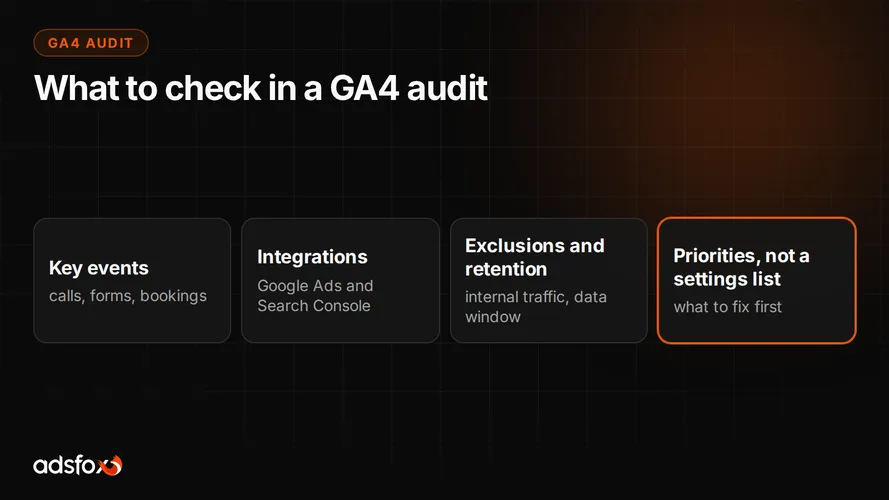
Enhanced measurement covers the basics: page scrolls, outbound link clicks, site search, video engagement and file downloads. It will not replace events tailored to your sales process, such as calls, form submissions or bookings. We explain what is worth measuring beyond the defaults as part of our marketing audit.