How to Create and Customize Tables in adsfox CRM?

How to Create and Customize the First Table in CRM?
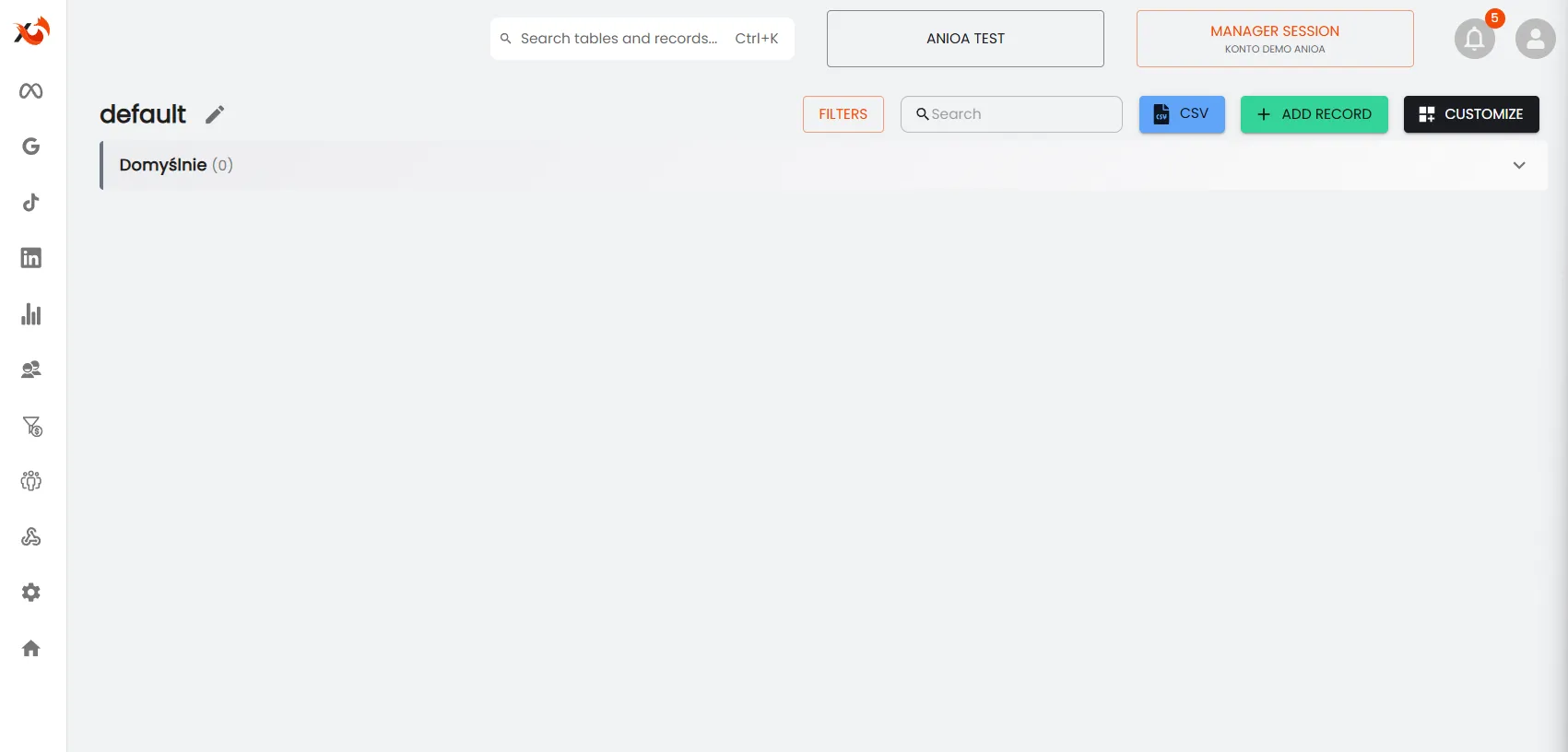
In every workspace in adsfox CRM, a table named “default” is automatically created. It serves as the basis for storing contacts and leads. The table can be freely customized to individual needs, change its name, add columns, configure statuses, and import ready structures from Excel files.
Change the Table Name in adsfox CRM
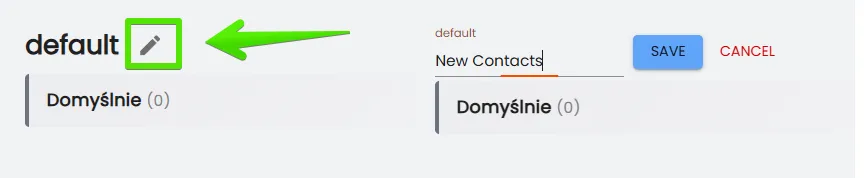
You don’t have to use the default name “default.” Click next to the table name to enter any name, such as “New Contacts” to separate freshly acquired leads, “Clients” for the base of current clients, or “Campaign Management.” Then click “SAVE” to confirm the changes.
What Next?
After creating the table in adsfox CRM, it’s worth familiarizing yourself with the guide “How to Add and Edit Columns in the Table – adsfox CRM.”
In the next post, we’ll show how to simply use this functionality.
How to Add and Edit Columns in the Table?