Who Uses Bing? Bing Search Users and Why They Matter
Bing is Microsoft’s search engine, and it is the default in Windows, the Edge browser and the Copilot assistant. Its users are mostly people who never changed those defaults. And that is the whole point of this article: you do not have to like Bing or use it yourself for your customers to type in the same queries there that you pay more and more for on Google.
We write about this from a practical angle. We have been running search campaigns since 2018 for more than 350 clients in over 20 industries, and Bing always comes up at the same moment: when Google campaigns stop growing and the budget still has to work.
What Bing actually is and where it shows up
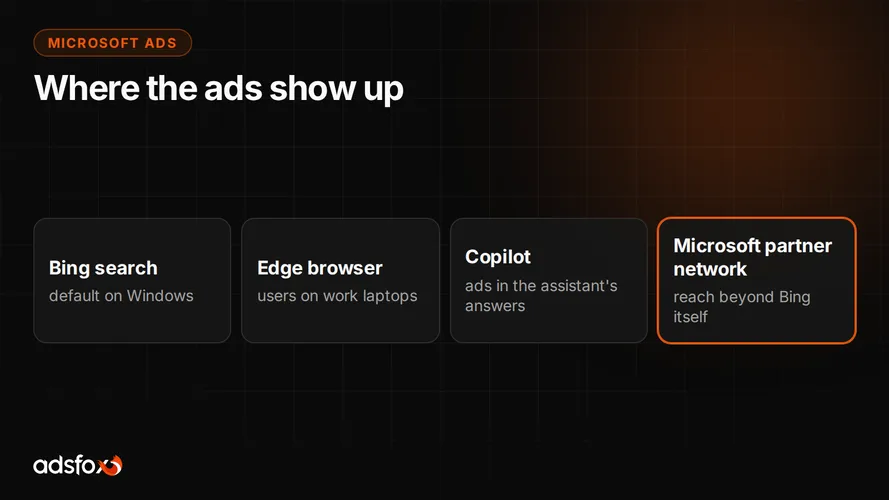
Bing is not just a page with a search box. It is an engine that powers search in several places at once, and most of its users get there through those doors, not by typing in the address.
- Windows. Searching from the taskbar takes you to Bing.
- Edge. The default browser in Windows has Bing set as its default search engine.
- Copilot. Microsoft’s assistant builds its answers on Bing results and shows web content alongside them.
- Partners. Some smaller search engines and apps use Bing results on their own sites; DuckDuckGo, for example, draws part of its results from Bing.
From the user’s perspective this is often invisible: they type a query where the system suggests and get results. From a business perspective it means that “nobody uses Bing” is a statement about your own habits, not about the market.
Who really uses Bing search
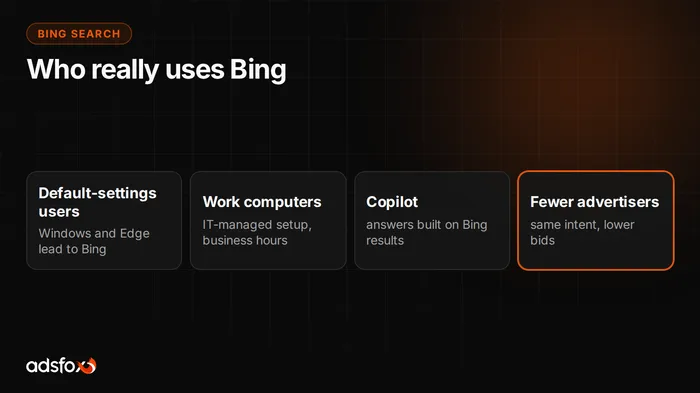
We do not know the exact makeup of Bing’s users and we are not going to make it up. In the US, Bing’s share of all searches is in the single digits, but on desktop, where Windows and Edge live, it is roughly two to three times higher than the overall number. The mechanics of default settings alone are enough to point to two groups that are certainly there.
People who do not change settings. They buy a Windows laptop, open Edge, type a query and get results. They did not choose a search engine; they simply use one. There are more of these users than industry people’s intuition suggests, because industry people change defaults reflexively and the rest of the world does not.
People on work computers. In many companies, hardware is configured centrally with Edge and Bing as the defaults, and the user has neither the permissions nor a reason to change that. This is an interesting group for advertisers: people at their desks, during business hours, often with a budget and decision-making authority on the company side.
If you sell to businesses, that second group should ring a bell. A query like “invoicing software” typed into Edge on a work laptop goes to Bing, not Google.
What Bing changes for advertisers
Bing search results include ads from the Microsoft Advertising platform, commonly known as Bing Ads. The mechanics are the same as in Google Ads: you pick keywords, set a spending limit, pay per click, and an auction combining your bid with ad quality decides the order of ads. What exactly the platform is and where it shows ads, we covered in what is Bing Ads.
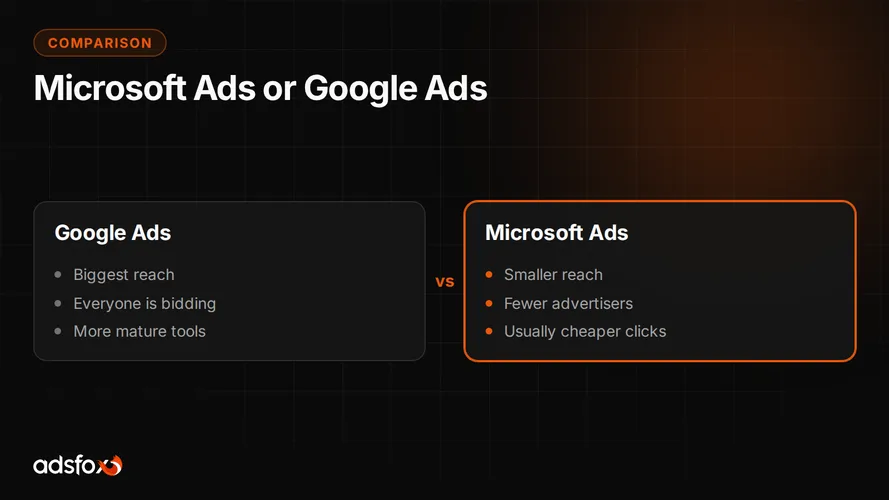
The difference that makes this worth talking about at all is competition. Far fewer advertisers bid on the same query in Bing than in Google, because most businesses stop thinking about search engines once they have Google covered. Less competition in the auction usually means a lower cost per click with the same user intent. It is not a law of nature, just a tendency you need to check on your own keywords, but the direction is consistent.
A full comparison of the two platforms, with a table and a recommended order, is in Bing Ads vs Google Ads.
Which businesses get value from Bing traffic
The mechanics of default settings produce a simple profile. Bing makes the most sense where the customer sits at a Windows computer:
- B2B services and software, bought during business hours from company equipment,
- office equipment, training, recruiting, in other words, company purchases,
- e-commerce as a supplementary channel, when Google campaigns have hit their ceiling and adding budget raises the cost per acquisition instead of the number of orders.
Products bought almost exclusively on a phone and offers aimed at very young audiences do worse, because there the path rarely goes through the default Windows search engine.
How to find out whether it will work for you
Not with opinions, but with a short test on data. We do it in three steps.
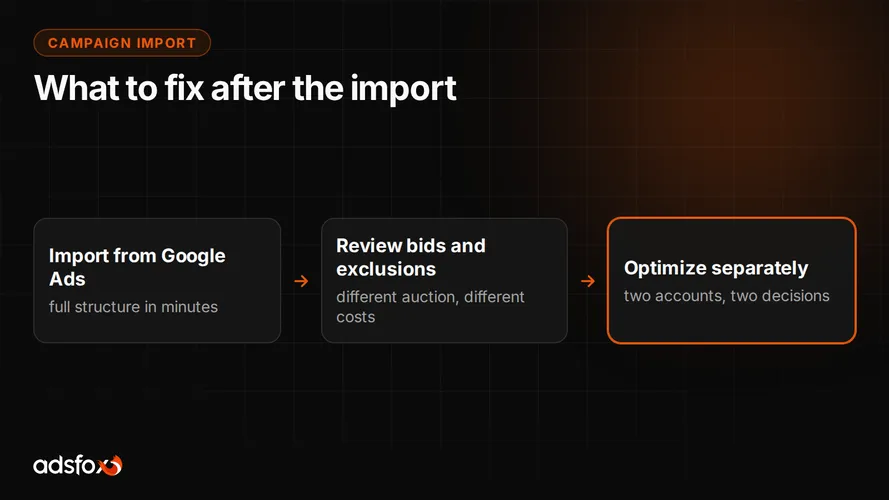
- Import your working campaigns from Google Ads. Microsoft Advertising has a built-in import, so you do not build the account from scratch. The import alone is only half the job, though, which we cover in our guide to importing campaigns.
- Conversion tracking from day one. The UET tag and a connection to your analytics, so you compare cost per customer, not cost per click.
- Judge by real data. After a few weeks you can see whether the channel delivers inquiries at an acceptable price. If it does not, we close the topic and say so plainly.
Benchmarks for cost per lead across industries are in our CPL and ROAS benchmark from 20 campaigns in 11 industries.
Bing is not a replacement for Google, it is an add-on
Honesty requires one caveat at the end. Search volume on Bing is smaller than on Google and no optimization will change that. That is why we almost never recommend starting with Bing. The order that works: first use up the potential of Google Ads campaigns, then add Bing when further budget increases on Google stop paying off.
If your Google campaigns have just reached that point, see how we run Microsoft Ads campaigns and book a free consultation. We will use your data to work out whether this add-on makes sense for you.