Snapchat Ad Formats: Video, Collection Ads and AR
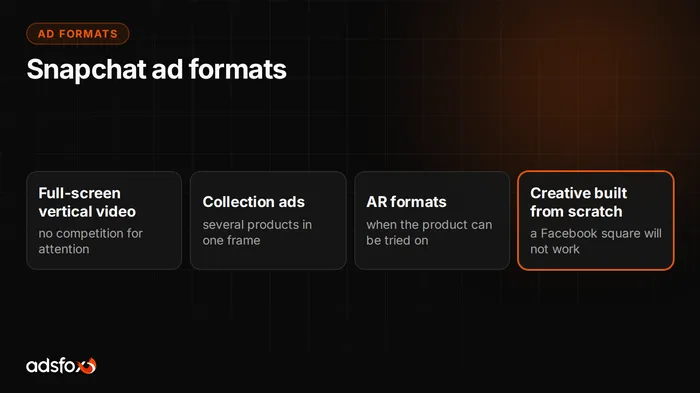
Snapchat Ads rests on a handful of formats that campaigns actually use: a full-screen vertical video or image, Story Ads that open a set of consecutive Snaps, Collection Ads with product tiles under the main creative, Commercials with a non-skippable opening, and AR formats, that is, sponsored Lenses and Filters. They all share the same foundation: a 9:16 frame at 1080 x 1920 px, viewed full screen with sound on. What differs is what happens after the viewer taps the screen.
Below you will find a description of each format, guidance on when each one makes sense, the spec for vertical video, and an explanation of why a square creative carried over from Facebook usually does not work. Snapchat changes its guidelines and section names, so check the current values in Snapchat Ads Manager before producing a larger batch of creatives.
What ad formats does Snapchat Ads have?
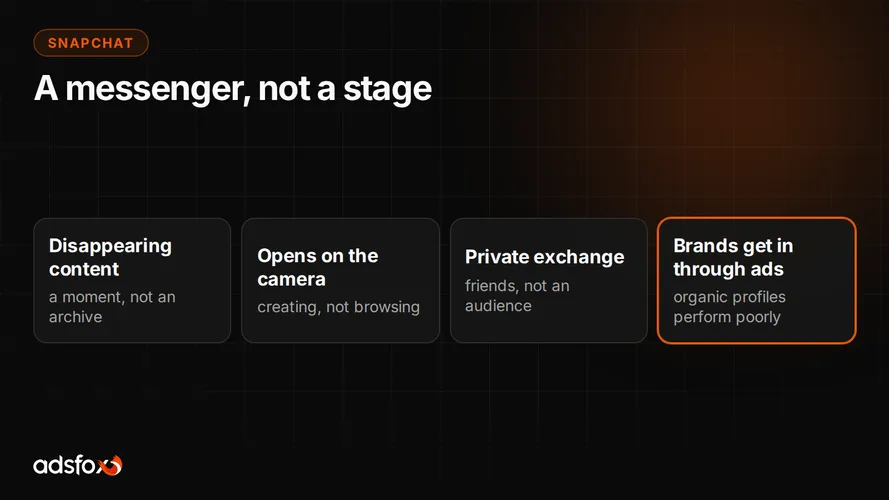
A Snapchat ad format is the way a creative appears in the app and what the viewer can do with it after tapping the screen. The frame itself looks similar in each of them; the differences start at the interaction.
- Full-screen vertical video or image: the basic format, shown between friends’ content and publisher content, with an action attached at the bottom.
- Story Ads: a tile in the Discover section with publisher content that opens a set of several consecutive Snaps in one story.
- Collection Ads: a main creative with a row of small product tiles below it, each with its own destination URL.
- Commercials: video shown within publisher content, with an opening that cannot be skipped.
- AR formats: sponsored Lenses and Filters in which the user views the product through the phone camera.
On top of these come catalog-powered ads, which pull images, prices, and availability straight from the product feed. That is not a separate visual format, just a way of feeding creatives with data.
What are Snapchat Story Ads and when do they make sense?
Story Ads are a format in which the ad starts from a tile in the Discover section with publisher content, and when tapped opens a set of several consecutive Snaps in one story. The viewer decides how many of them to watch and can leave after the first one.
This format makes sense in three situations:
- The offer needs developing and one video cannot carry it: a product line, an event program, several variants of a service.
- You want to show a sequence: problem, solution, proof, call to action, each in its own Snap.
- You have enough material, because a story made of one good Snap and three weak ones ends with an exit after the second.
The tile works here like a thumbnail on a content platform. It decides whether anyone enters the story, so treat it as a separate creative, not a random frame cut from the video. A short, clear title on the tile does more than polished editing inside that nobody opens.
What are Snapchat Collection Ads and who do they work for?
Collection Ads are a format in which a row of small product tiles appears below a vertical video or image, and each tile leads to a different URL. The viewer can tap the main creative or go straight to a specific product.
The format works on one condition: you have a product range and good product photography. The tile is small, so the photo must be recognizable as a thumbnail. A product shot against a styled set with five other items turns into a blur.
A few things that decide the result of this format:
- Tiles filled with products from one category, not a random cross-section of the store.
- A main creative that shows the product in use, not just a card with a logo.
- Destination URLs that lead to the specific product page, not the homepage.
- Tiles fed from the product catalog if the range changes often.
For a single service and a lead-generation campaign this format has nothing to show off. A plain vertical video with a single call to action works better there.
When do AR formats on Snapchat make sense?
AR formats are sponsored Lenses and Filters in which the user views the product through the phone camera: puts it on their face, places it in their surroundings, or tries it on virtually. Snapchat built a large part of its app on this mechanism, so users know the interaction and it does not need explaining.
They make sense where trying the product on genuinely affects the purchase decision: eyewear, color cosmetics, jewelry, headwear, sometimes furniture and home decor. The viewer checks how the product looks on them or in their room, and that check replaces a visit to the store.
It has to be said what this costs in practice, though. A Lens is designed in a separate tool, production takes longer than shooting a video, and it needs 3D assets or prepared product photos. That is why a first campaign rarely starts with AR. The sensible order is vertical video first, then checking whether the channel delivers sales at all, and only at the end an investment in a Lens.
What is the spec for vertical video on Snapchat?
The table below collects the parameters checked when you upload a creative. A creative that does not meet them will not get through.
| Parameter | Value |
|---|---|
| Aspect ratio | 9:16 |
| Resolution | 1080 x 1920 px |
| Video file formats | mp4, mov |
| Image file formats | jpg, png |
| Maximum file size | 1 GB |
| Brand name | up to 25 characters |
| Headline | up to 34 characters |
| Sound | the ad plays with sound on |
Text limits are unusually tight here. The headline is one short sentence, so the whole argument has to fit into the image and the sound. A brand name capped at 25 characters means long company names have to be shortened to the form everyone knows anyway.
A practical rule for editing: keep captions, prices, and logos in the middle of the frame. The top bar and the bottom area with the action button cover part of the image, and the creative is viewed on the whole phone screen, so every element near the edge risks being cut off.
Why does a cropped square from Facebook not work on Snapchat?
Because cropping 1:1 to 9:16 is not a change of proportions; it cuts information out of the frame. A Facebook creative is designed so the most important elements fit in a square. After cropping to vertical the middle remains, and the product, the face of the person speaking, or the caption with the offer falls outside the image.
On top of that come three differences no cropping can fix:
- Sound. On Snapchat the ad plays with sound on, so a creative designed for silent viewing in the Facebook feed sounds like an empty file.
- Pace. Contact with the app is frequent but short. A logo card at the start means a swipe before the first argument lands.
- Tone. The viewer uses the app to talk to friends, not to browse brand content. A studio-produced creative looks like a foreign body here.
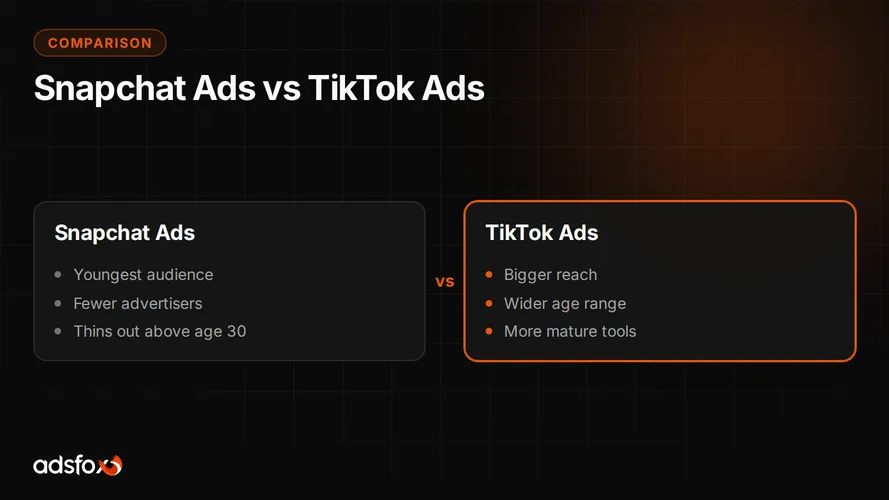
Creatives from Meta Ads are a good starting point, because they contain proven selling points. If you already run Facebook campaigns, you know which messages close the sale. On Snapchat they have to be shot again, vertically and in a different language. The same rule applies when moving creatives from TikTok advertising, though at least the frame matches there.
Which format to pick for a first campaign?
Start with the simplest format that fits the goal. An elaborate production for a first test usually ends with nobody knowing what failed: the channel, the offer, or the way it was shown.
| Campaign goal | Format to start with |
|---|---|
| Sales in a store with many products | Collection Ads |
| One product or one offer | full-screen vertical video |
| Event signups, several arguments to show | Story Ads |
| Trying the product on affects the decision | AR format, but only after video tests |
| Leads for a service quote | vertical video with a single call to action |
When configuring the campaign remember one thing: the advertiser sets the spending limit and the event the campaign should optimize for, and the platform decides who sees the creative and where in the app. If the event is set to video views, you will get video views. If it is set to purchases, the campaign will look for buyers, but it needs conversion data passed correctly.
When is Snapchat advertising not worth it?
There are situations in which this channel is better skipped, and it is more honest to say so before the start than after three months:
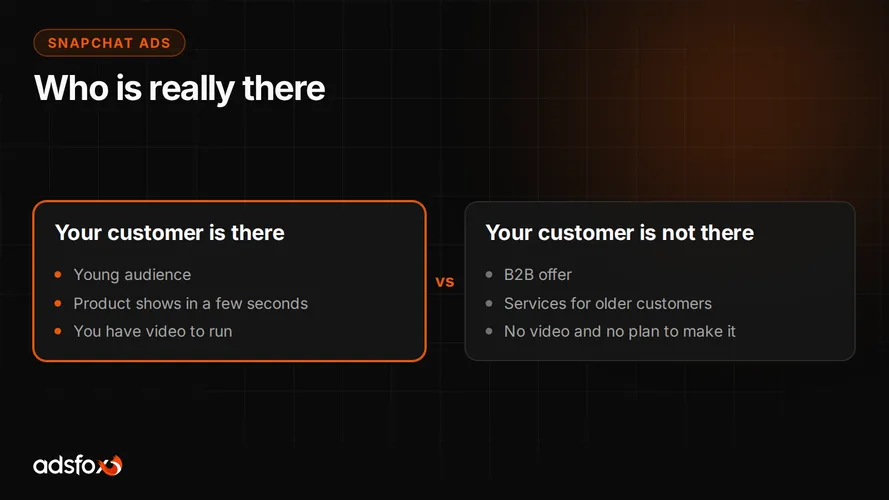
- The offer is aimed at businesses. B2B decision-makers do not look for suppliers here.
- The customer is over forty and the service is local.
- There is no way to produce video and no one to appear on camera.
- The budget covers one channel, and Meta or Google already deliver sales.
- The product needs a long explanation and a decision spread over weeks, and the company has no process for closing leads.
We do not have our own data on cost per lead or return on ad spend for Snapchat, so we will not give you a number for this channel. Reference points from the campaigns we run are collected in a separate piece: cost per lead and ROAS across industries. The data comes from Meta Ads and Google Ads, so treat it as background for a budget conversation, not a forecast of Snapchat results.
Where to start work on Snapchat creatives
Start with the frame and the first three seconds, because those are the cheapest fixes. Only then change the script, the cast, and the format. A good spec will not make an ad sell, but ignoring it can block a sensible idea, because half the message hides outside the frame or under the interface.
adsfox has been doing this since 2018, and we have served more than 350 clients in more than 20 industries. We are a Meta Business Partner (Badged) and a Google Partner. With a new channel we first look at whether the company can supply video regularly, then at the audience, and only at the end at the budget. If you are considering Snapchat advertising, we will check together whether your offer fits this channel and which format makes sense to start with.
Get a free consultation: we will review your current video creatives, assess them against Snapchat’s requirements, and show you what to fix before the first campaign.