How to Build a Business Website in 2026
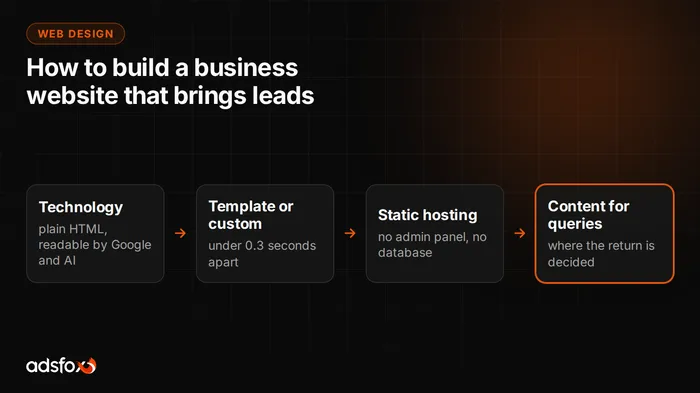
Today a business website is built in four steps: you pick a technology that serves ready HTML (we use Astro), decide between a template and a custom build, host it statically, and only then fill it with content written for specific queries. The order matters, because the first three decisions determine speed, security and whether the site can later rank in Google and get cited in AI answers. Below we break down each step, along with our own page-weight measurement of seven websites, which settled the argument about whether a template slows a site down.
Does your company need a new website?
First, the reason this question keeps coming back. The way customers look for services has changed: part of the buying journey has moved from the results list to a conversation with an AI model.
We have measured the scale of that change in one of our home markets. A survey by SW Research for On Board Think Kong (CAWI, sample of 830 adults in Poland, April 2026) found that 61% of respondents had used AI tools at least once in the past six months when planning or making a purchase decision, and 26.7% had done so more than six times. The way they use it is very specific: 50.8% compare products and services, 48% check reviews and pros and cons, and 42.6% ask directly for a recommendation. Only 21.4% do not plan to use these tools. US adoption of AI assistants is, if anything, further along.
For a service business, that means one thing: if a model has nothing to form an opinion about your company from, it will not recommend you in the answer. And models read text, not looks. A site that loads its content only after running JavaScript, or keeps the offer in images, is largely empty to them.
That is a real reason to rebuild a website. The age of the site or being tired of its look are not.
What does it cost to maintain a website after launch?
This question is asked rarely, and it decides costs for years. A site built on a heavy system with an admin panel and plugins needs constant care: updates, keeping the theme compatible with plugins, and fixing whatever broke along the way.
In a service business, there is rarely someone whose job that is, so the work either costs a monthly fee or does not happen at all. The second scenario is more common, and it is the expensive one, because a neglected system is the most common way into a business website.
A static site removes the problem in a different way: there is no login panel and no database to overwrite. You cannot break into something that does not exist, and upkeep boils down to publishing content. That does not mean WordPress is bad. It means that by choosing it, you also choose a permanent line in the budget and someone to watch it.
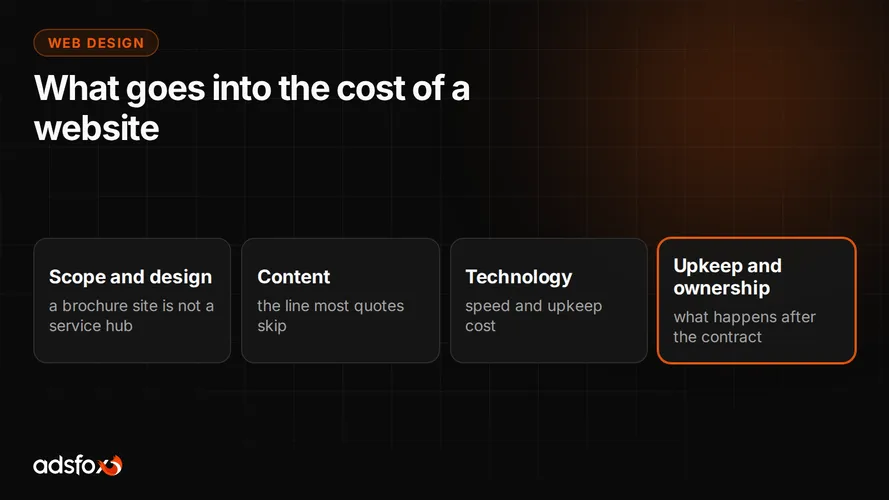
Before you sign a contract, ask directly: what exactly is included in upkeep, what an hour of changes costs, and what happens to the site when the engagement ends.
Which technology should a business website use?
After hours of testing, our own and with the developers we work with, two technologies stayed on top: Astro and React.
Astro is a site generator that serves ready HTML by default, without JavaScript ballast, so the content is readable to search engines and AI models from the first load. It stores content in Markdown files, which are plain text. That has a practical meaning: a new article is a new file, not a database record, so it is easier to version, move and process automatically.
React wins where the site turns into an application: configurators, calculators, client portals, complex business logic. The price is browser load, because the browser has to run the code before it can show the content.
You do not have to pick one. Astro’s islands architecture lets you keep the whole site as a static structure and add React components selectively, only where interactivity is actually needed. For a service business, that is usually the best setup: a fast site with one interactive element where it really helps conversion.
That is how the site you are reading is built. The whole thing is static HTML served from Cloudflare.
Template or custom build? We measured it
This question is usually settled by gut feeling, so we measured it.
On Instagram and on design award sites (Awwwards, for example), it is easy to find sites with elaborate animations that look stunning. We checked how much they actually weigh and compared them with our own sites.
Method: Playwright, Chromium, 1440x900 window, total bytes of all network responses after a full load with a scroll to the bottom of the page (without the scroll, lazy-loaded assets would be missed). Measured on August 9, 2026.
| Site | Weight | Requests | JavaScript | Time on 4G |
|---|---|---|---|---|
| alethia.earth (Awwwards winner) | 39.3 MB | 300 | - | ~31 s |
| noartmusic.com | 16.3 MB | 141 | - | ~13 s |
| ciaoenergy.com | 7.8 MB | 73 | - | ~6 s |
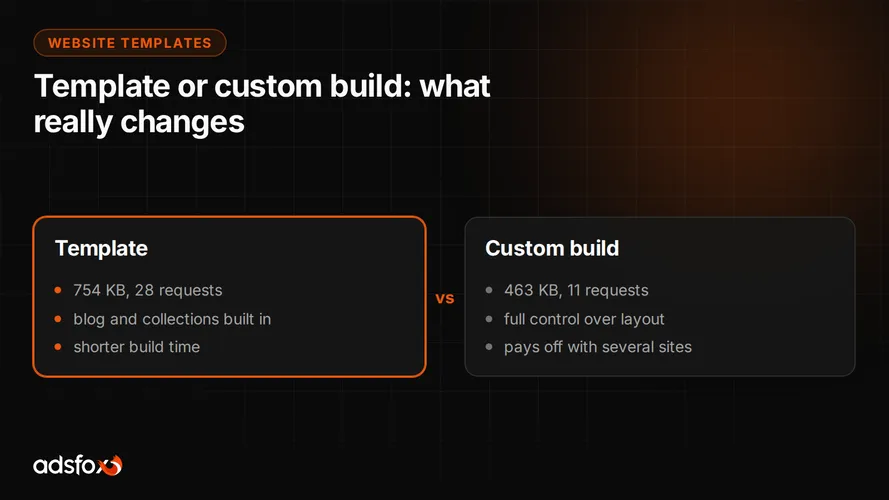
| Astro template (average of 5 of our sites) | 754 KB | 28 | 135 KB | ~0.6 s |
| Static export, prerendered | 636 KB | 17 | 0 KB | ~0.5 s |
| Our site on Astro, built from scratch | 463 KB | 11 | 112 KB | ~0.4 s |
| Test project from scratch with renders and animations | 714 KB | 14 | 133 KB | ~0.6 s |
Time on 4G is transfer alone at 10 Mbps, without network latency or rendering. It is an order of magnitude, not a stopwatch.
What the “requests” column means
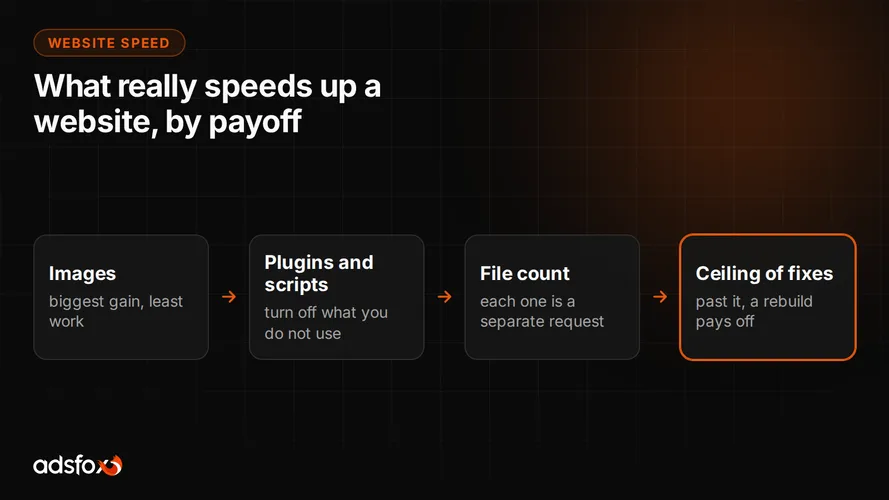
A website is not one file. The browser first downloads the HTML, reads it, and only then knows what else it needs: the stylesheet, scripts, every image separately, every font, icons. Each of those files is one request, a separate round trip to the server and back.
Why it is a separate column when weight is already there:
- Every round trip costs time regardless of size. On a phone out in the field, just establishing a connection takes 50 to 200 ms. Three hundred requests can spend more time knocking on the server than transferring data.
- The browser does not download everything at once. It keeps a limited number of parallel connections and queues the rest.
- The cascade effect. Images are often referenced only in the stylesheet, and the stylesheet only in the HTML. The third step cannot start before the second one finishes.
Hence the 300 requests of one award-winning site against the 11 of our site built from scratch. On a fast connection the difference is small; on a phone on the move it can be decisive.
Conclusions, including one that goes against intuition
A template is not a burden. 754 KB against 463 KB for a build from scratch is less than three tenths of a second, and in return the template gives you a ready blog, content collections and image optimization. Building from scratch wins you control and request count, not speed. That is the conclusion that saves money on most projects.
Award-winning sites are not badly made. They are portfolios and lifestyle brands, where the visitor came to look and will wait. A service customer has no such luxury: someone is looking for a vet on their phone, on the go, with one bar of signal. That is why we do not recommend that direction for most service businesses, even though it looks best in showcases.
Renders and animations have a price, but it can be controlled. Our test project with vector graphics weighed 321 KB, and after adding generated images, 714 KB. It doubled in weight and is still eleven times lighter than a site doing exactly the same thing: dark scene, product as the hero, scroll-driven animation.
The zero-kilobytes-of-JavaScript variant came from removing the runtime layer at build time. The fastest code is code that is not there.
If you want to see what sites on the templates we prepared look like: Halogen, Klinika Aleja, Dobry Fach and Trawers (demo sites in Polish).
Where should you host a business website?
With a static site, hosting stops being a budget line. The free plan on Cloudflare Pages or Vercel is enough, and the site is still served from servers spread around the world, which is faster than a single shared server.
On top of that comes something more important than price: a site like that lives in a repository with change history, for example on GitHub. Every change is recorded, and if something goes wrong, you go back to the previous version with one decision. On a shared server, the equivalent is a backup, provided someone makes it and provided it can be restored.
Before signing a contract, ask the vendor one question: what happens to the site when the engagement ends. A site you cannot take with you is not yours. We break that down further in our post on how much a business website costs.
Does a business website need a CMS?
Only if someone on the team will actually edit content without a developer.
For static sites, there are three free systems: TinaCMS, Decap CMS and Keystatic. They give you a panel similar to what people know from WordPress, and still save the content as files in the repository.
We dropped the CMS on our own sites, and it is worth saying why, because it goes against what you usually hear. There are two reasons. First, an admin panel is one more attack surface and one more thing to update. Second, it stopped being needed: we prepare and publish content through the repository, where every change has an author and a date, and nothing reaches the site without review.
If, however, someone in the company is supposed to add posts and change page copy on their own, a CMS is a sensible choice and does not hurt site speed.
How long does it take to build a website?
To think through every aspect of a site like ours, even on a template, count on about 20 to several hundred hours.
That range comes from the fact that visual design is the smallest part of the work. The time goes into:
- content for the home page and for every service page, written for specific queries,
- conversion tracking and tracking scripts, set up so the data is reliable from day one,
- structured data and preparation for SEO and for visibility in AI models,
- internal linking between pages, so traffic does not end on a single page.
The good news: once the process is documented, subsequent sites take a fraction of that time. If you plan several sites, for example separate ones for locations or brands, that is a real argument for building the skill in-house.
Build the website yourself or hire an agency?
An answer that is not convenient for an agency, but is honest.
Build it yourself if you have someone on the team who already works with website tools and wants to learn SEO and AI search optimization, or you plan many sites and it pays to build that skill permanently. To start, tools like Visual Studio Code or Cursor plus one of the free Astro templates are enough; you will find a catalog at htmlrev.com.
Outsource if you do not have that person. The reason is simple: the cost is not in building the site but in making it bring inquiries after launch. Putting up a good-looking site is cheaper today than ever. Setting it up so it ranks for queries, gets cited by AI models and measures conversions is different work, and that work decides the return.
adsfox is a marketing agency for service businesses that runs the whole of marketing: content, SEO and AI search optimization, ad campaigns and the website. Over 350 clients since 2018, Badged Meta Business Partner and Google Partner. We build sites in Astro and treat them as part of the marketing system, not a separate project that ends at launch.
If your company needs a site like that, see our web design agency service, or get in touch right away. We will gladly build it with everything we learned rebuilding our own site.